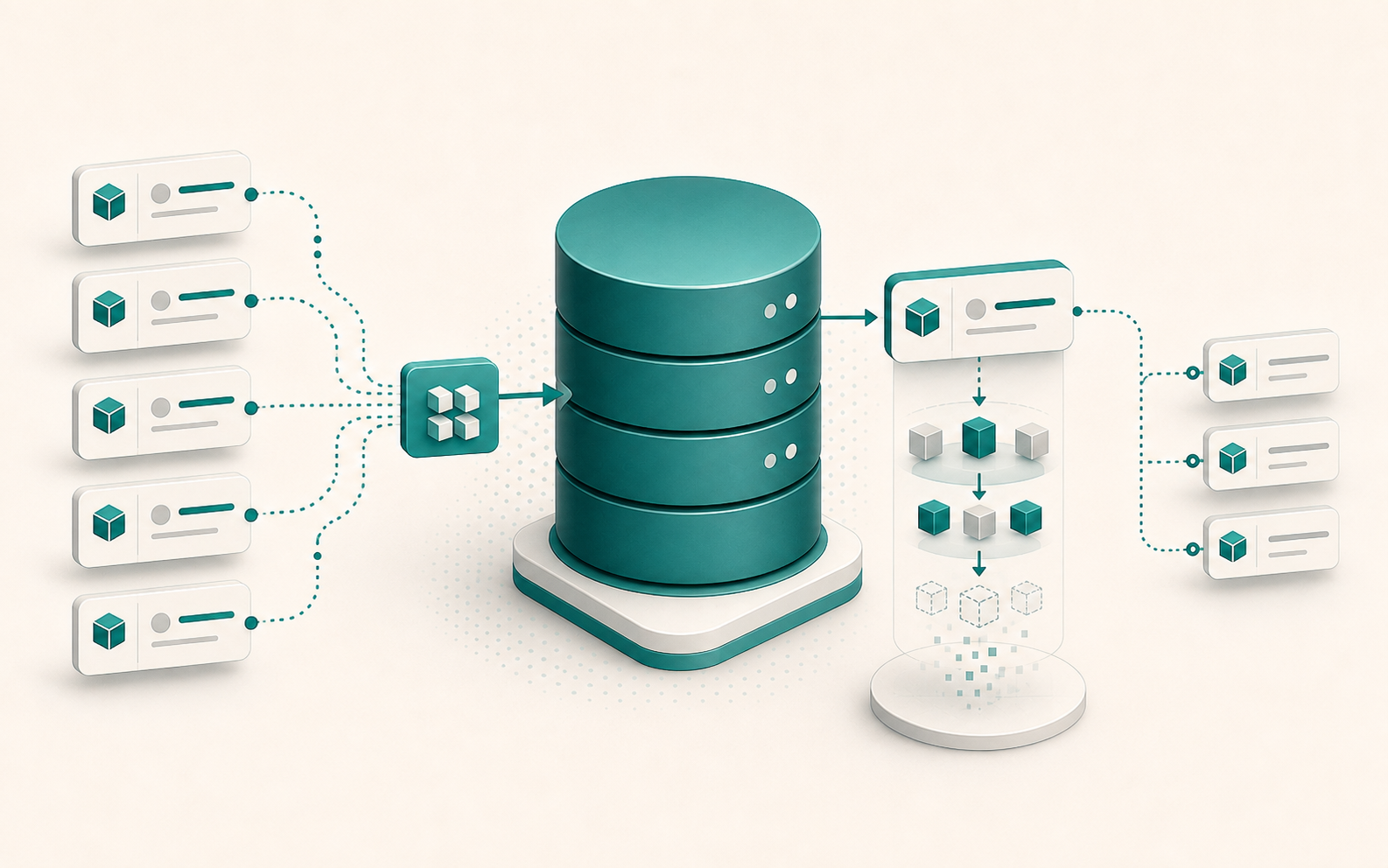
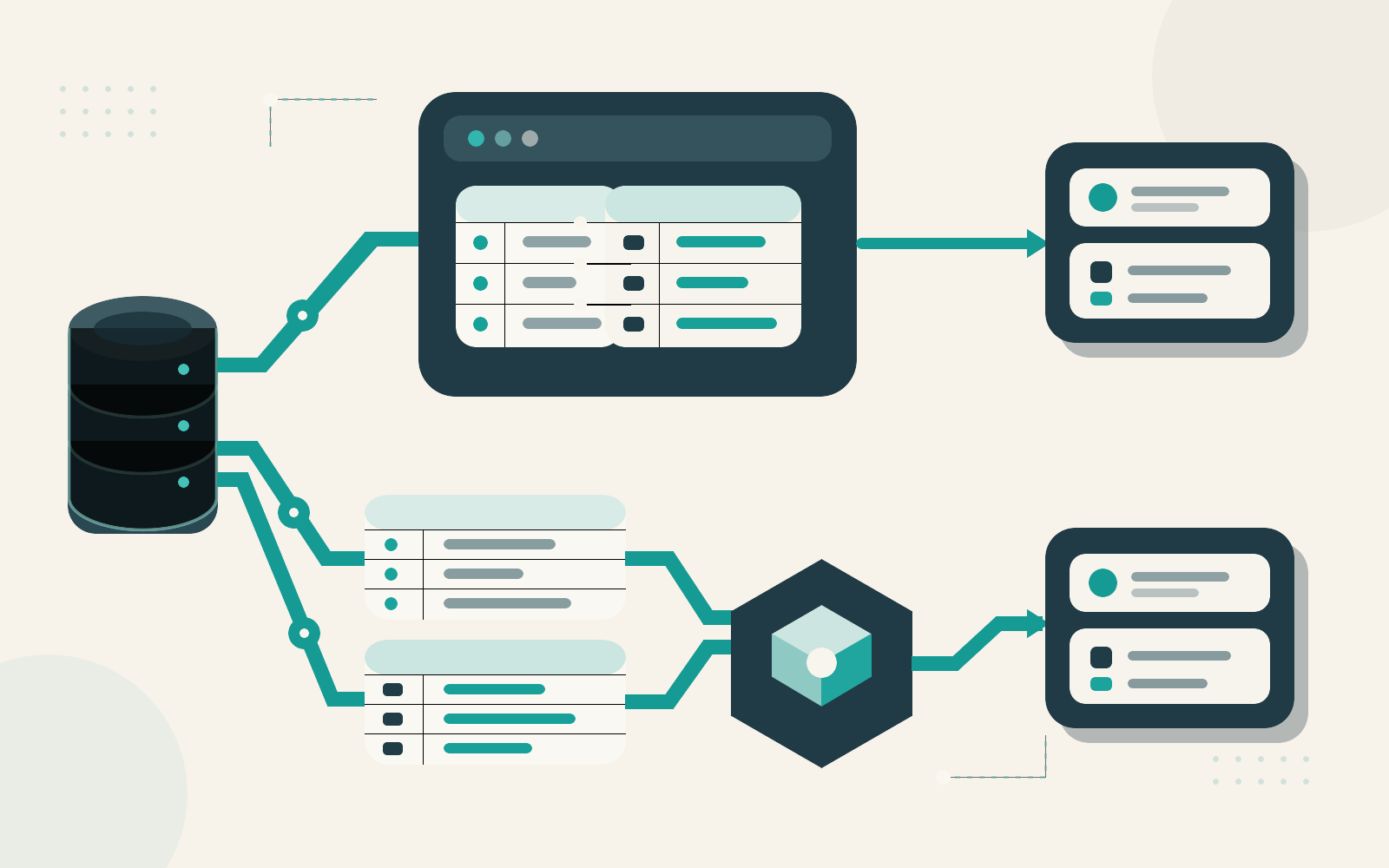
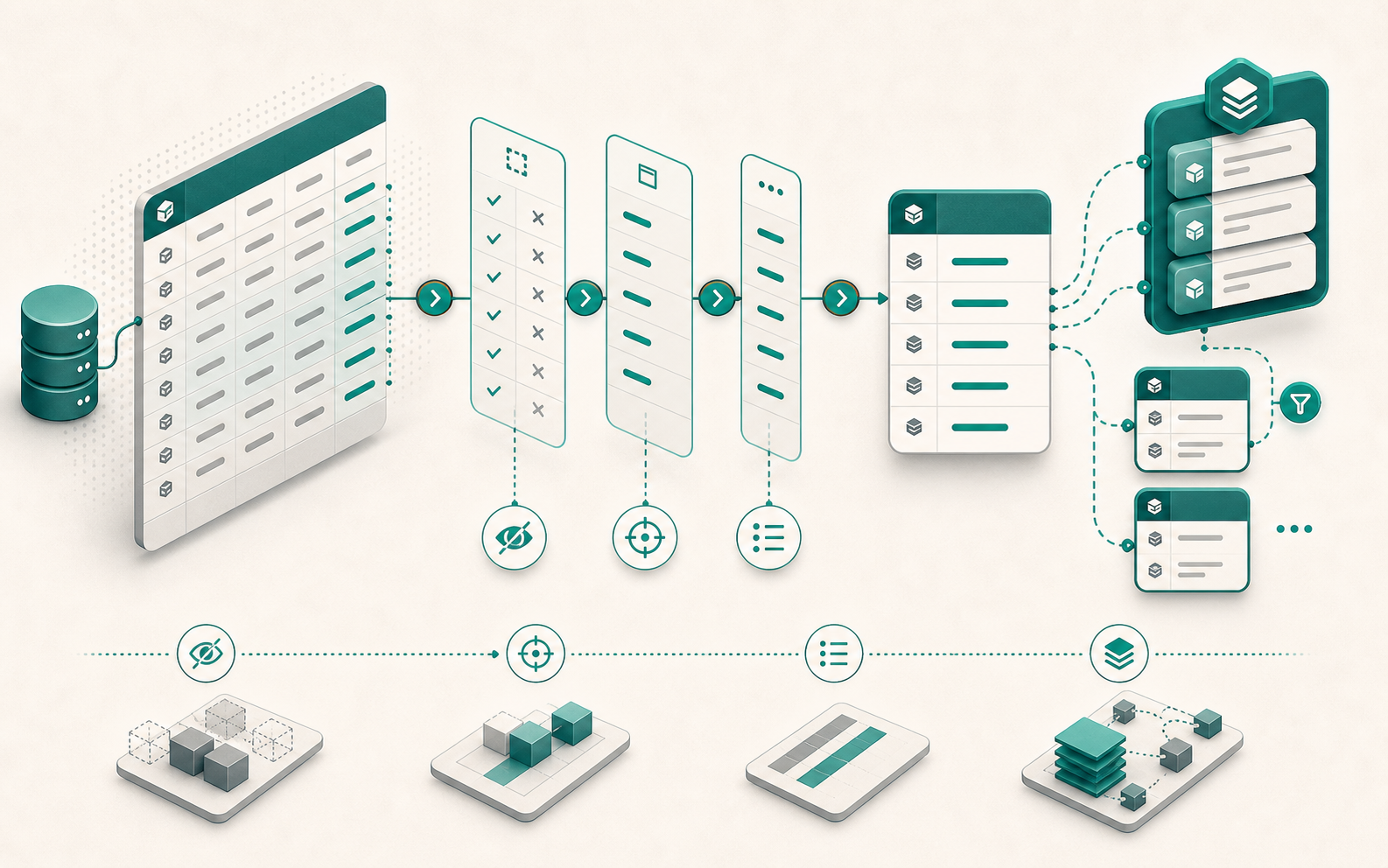
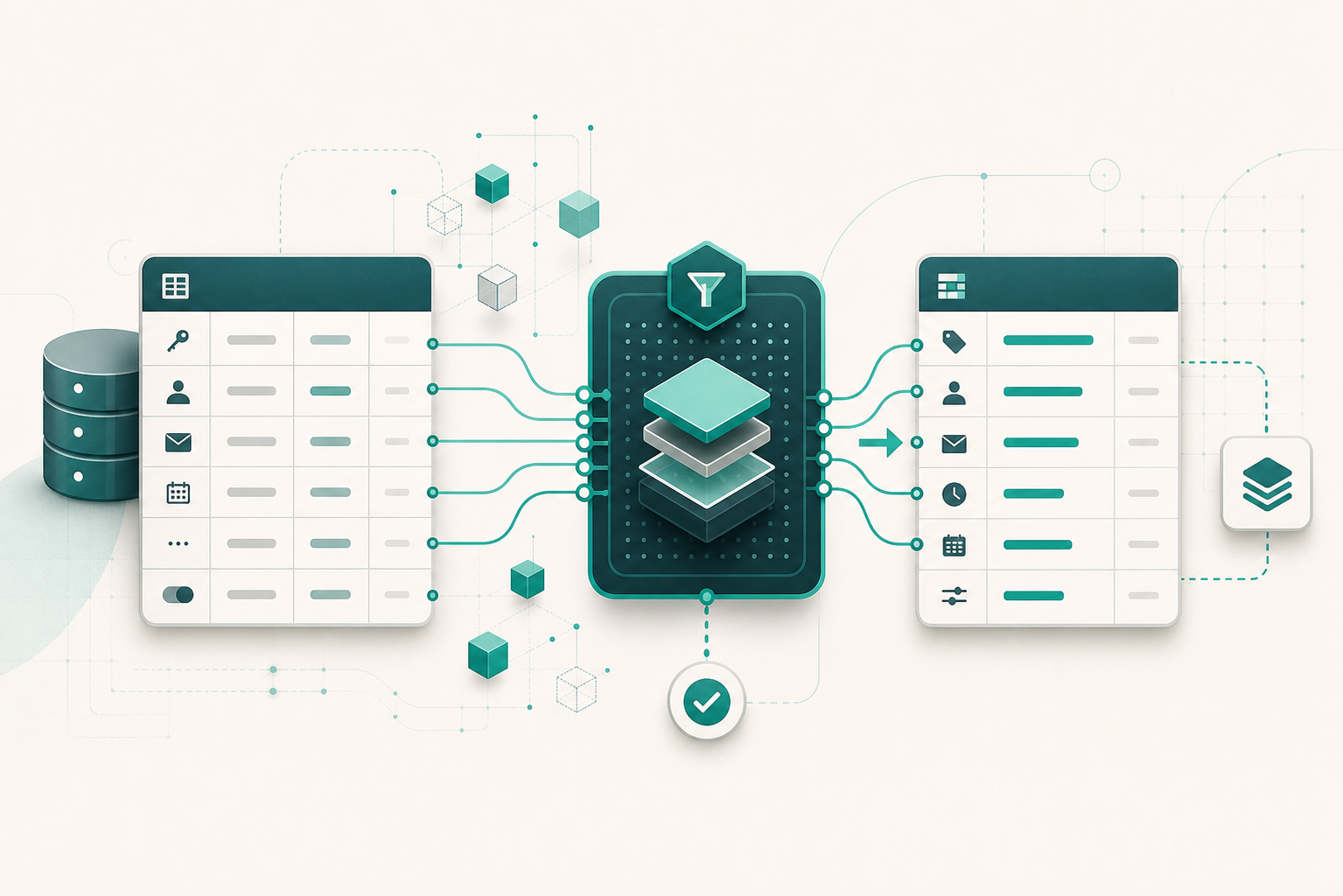
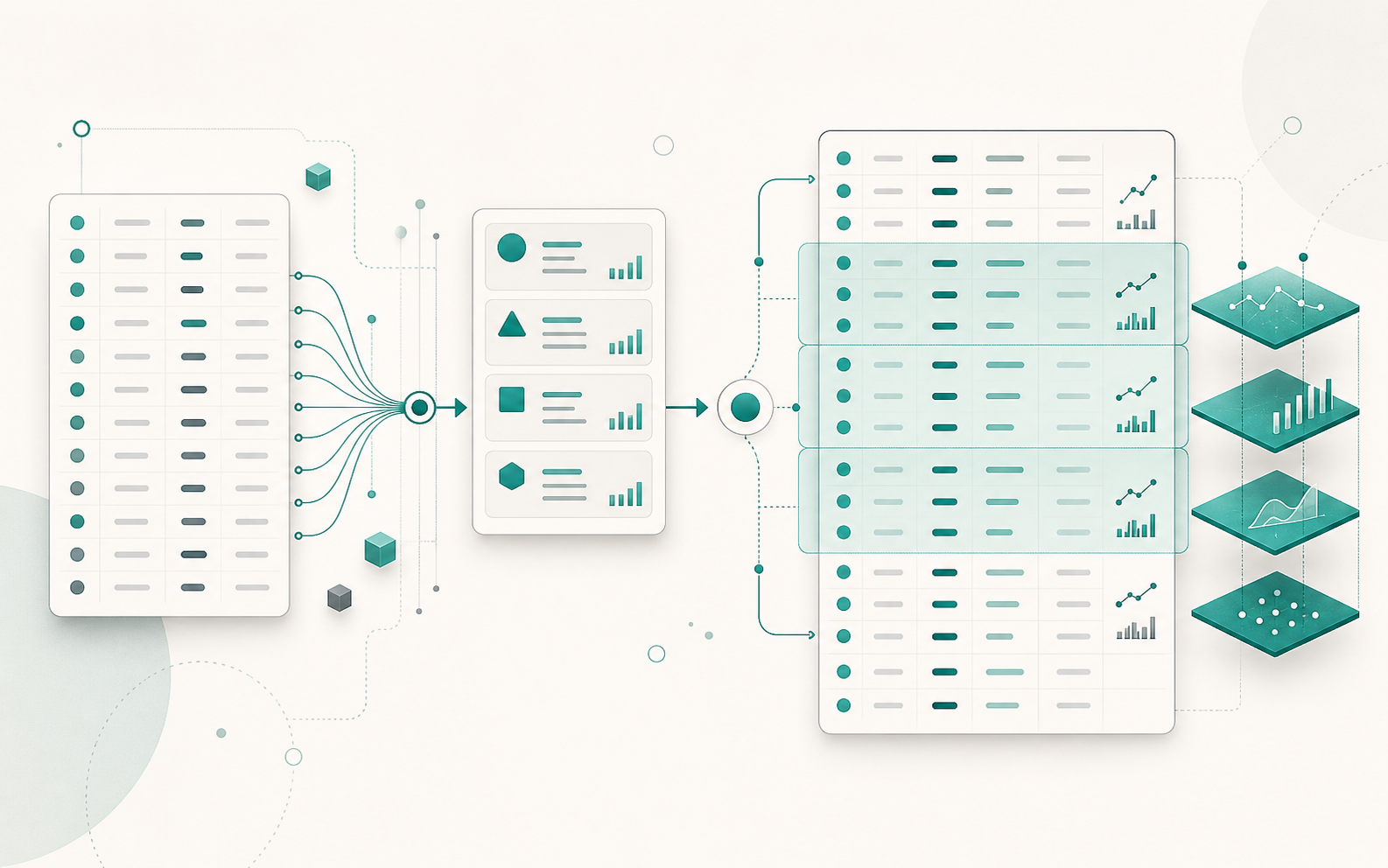
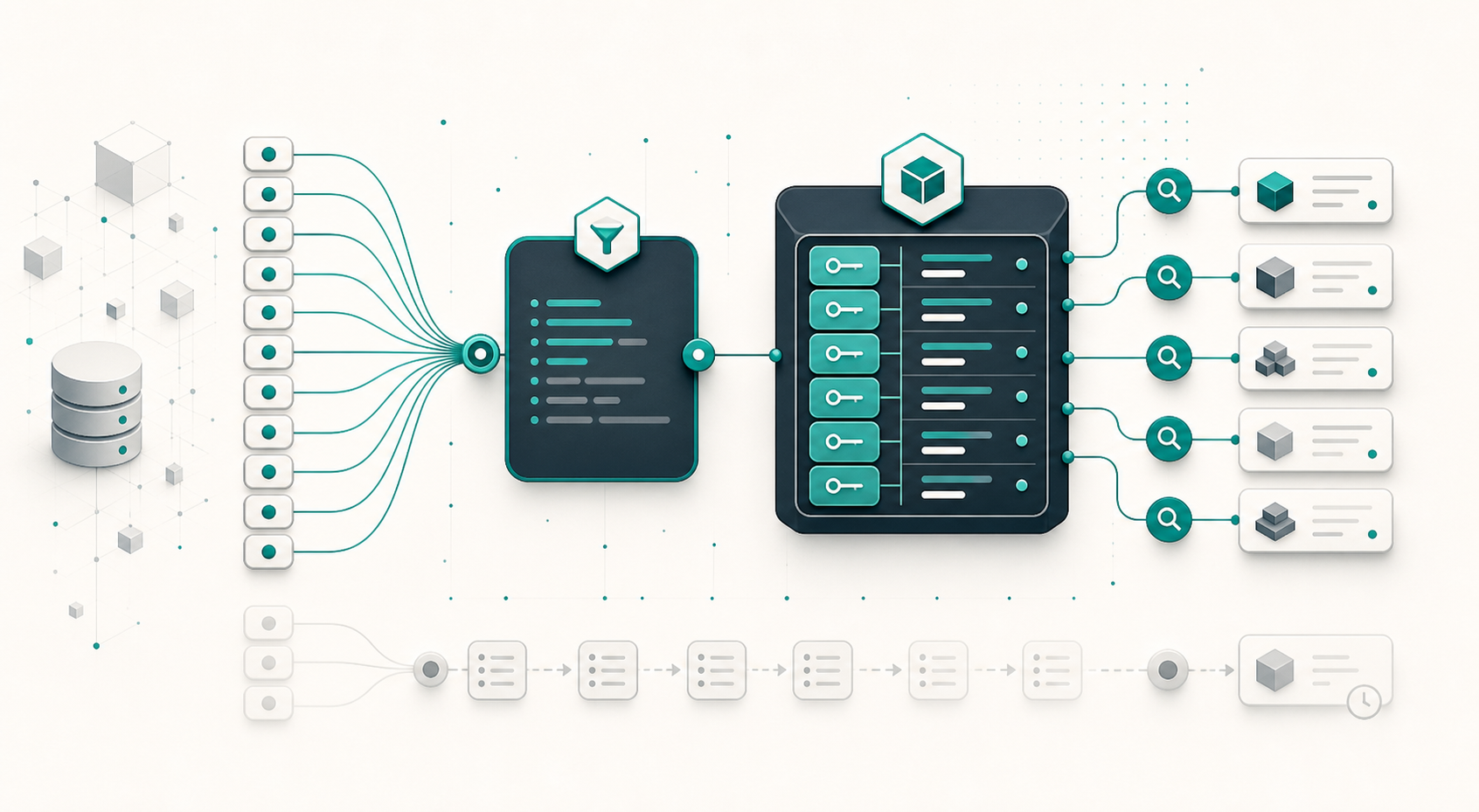
Django select_related() or prefetch_related()? Both methods eliminate N+1 queries in Django, but they produce very different SQL. The first adds a join to the main query. The second runs multiple queries, then connects the objects in Python. The right choice depends less on data volume than on the type of relationship being traversed.
To understand why, let’s start with a deliberately simple model:
from django.conf import settings from django.db import models class Post(models.Model): title = models.CharField(max_length=200) author = models.ForeignKey( settings.AUTH_USER_MODEL, on_delete=models.CASCADE, related_name="posts", ) tags = models.ManyToManyField("Tag", related_name="posts") class Comment(models.Model): post = models.ForeignKey( Post, on_delete=models.CASCADE, related_name="comments", ) body = models.TextField() is_public = models.BooleanField(default=True) author = models.ForeignKey(settings.AUTH_USER_MODEL, on_delete=models.CASCADE) class Tag(models.Model): name = models.CharField(max_length=50) From a Post, author refers to at most one user. By contrast, comments and tags can contain multiple objects. This difference in cardinality almost always determines which method to use.
...