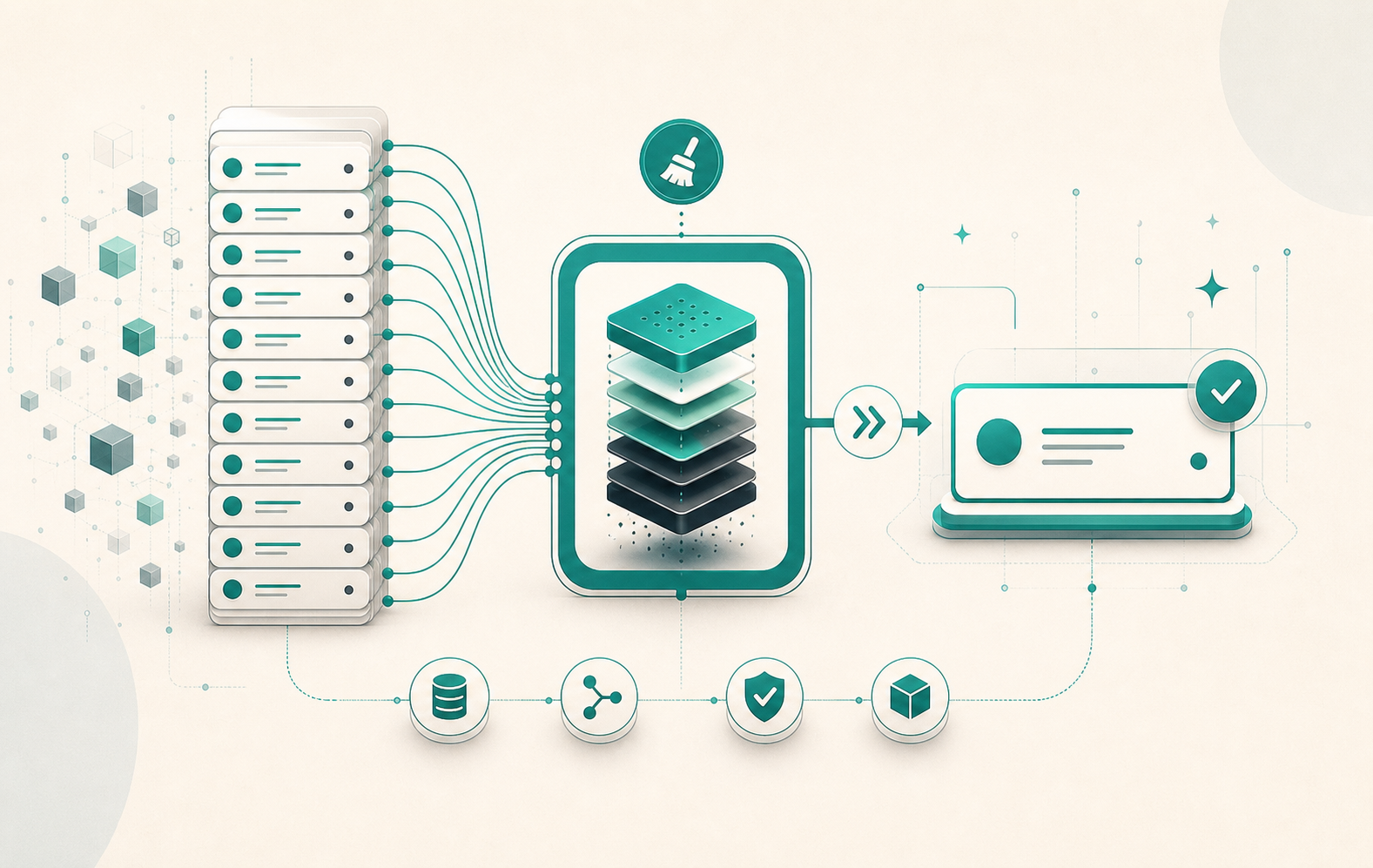
After a few months of development, it’s not unusual to end up with 30, 50, or even 100 migration files on a Django application. Every test run that starts from a clean database replays them all. Every deployment to a new environment does too. squashmigrations lets you merge several migrations into one, without losing compatibility with environments that have already applied earlier migrations.
The command and what it generates
The syntax takes a range of migrations:
python manage.py squashmigrations <app_label> [start_migration] <end_migration>
The start_migration parameter is optional. Without it, Django starts from the application’s first migration. Concrete examples:
# Squash from 0001 to 0020
python manage.py squashmigrations myapp 0001 0020

# Squash from the beginning to 0020
python manage.py squashmigrations myapp 0020

# Name the squashed file
python manage.py squashmigrations myapp 0001 0020 --squashed-name initial_clean
Django generates a file named 0001_squashed_0020_*.py. The built-in optimizer removes redundant operations: a column added then removed disappears entirely from the final file, a column renamed twice is reduced to a single rename operation.
The replaces attribute: the core mechanism
The squashed file contains a replaces attribute that Django adds automatically:
class Migration(migrations.Migration):
    replaces = [
        ("myapp", "0001_initial"),
        ("myapp", "0002_add_slug"),
        ("myapp", "0003_add_index"),
        # ...
        ("myapp", "0020_add_status"),
    ]

    operations = [
        migrations.CreateModel(
            name="Article",
            fields=[
                ("id", models.BigAutoField(primary_key=True)),
                ("slug", models.SlugField(unique=True)),
                ("status", models.CharField(max_length=20, default="draft")),
            ],
        ),
        # ... other optimized operations
    ]
This attribute lets Django manage the coexistence of the squashed file and the originals. On every migrate call, Django reads replaces and decides what to do based on the state of the django_migrations table:
- New environment (no migrations applied): Django runs the squashed file directly as a normal migration.
- Up-to-date environment (all migrations 0001 to 0020 present in
django_migrations): Django marks the squashed migration as applied without running it. - Partially migrated environment (0001 to 0012 applied, 0013 to 0020 missing): Django runs the missing original migrations, then marks the squashed migration as applied.
This mechanism guarantees the squashed file can be deployed without breaking environments that have already applied some of the original migrations.
The three-step cleanup process
Squashing generates a new file but does not delete the originals. The real goal, permanently reducing project size, requires three steps.
Step 1: squash
python manage.py squashmigrations myapp 0001 0020
The file 0001_squashed_0020_*.py is created. The original files are kept — they are still needed for partially migrated environments.
Step 2: deploy and verify
Deploy the code including the squashed file to all environments (production, staging, developer machines). Verify that the squashed entry is present in django_migrations on each environment:
SELECT app, name FROM django_migrations WHERE app = 'myapp' ORDER BY id;
Once all environments have the 0001_squashed_0020_* entry, the original migrations are no longer used.
Step 3: clean up
Delete the original files (0001 to 0020), then clear the replaces attribute in the squashed file so it becomes an ordinary migration:
class Migration(migrations.Migration):
    replaces = []  # clear the list, or remove the attribute

    operations = [...]
From this point, the project has a single migration file covering that range, with no dependency on the deleted originals.
What the optimizer cannot do
The Django optimizer works well on standard schema operations: CreateModel, AddField, RemoveField, AlterField, RenameField. It merges, reorders, and removes redundancies automatically.
RunPython and RunSQL operations, however, are preserved as-is in the squashed file. Django cannot determine whether two Python functions are equivalent or whether their order can be changed. The generated file includes them with a comment indicating their origin:
migrations.RunPython(
    populate_slugs,
    reverse_code=migrations.RunPython.noop,
),
If several RunPython operations follow each other in the squash and manipulate the same data, they need manual review to avoid side effects. This is usually where squashing demands the most work.
The --no-optimize flag disables the optimizer entirely when operations are too interdependent to be reordered safely:
python manage.py squashmigrations myapp 0001 0020 --no-optimize
When to squash, and when to wait
Squashing is safe when the migrations to merge have not yet been applied in production: you are merging development code with no compatibility constraints.
The situation gets more complex when some migrations are in production and others are not. Example: production is at migration 0015, and you want to squash 0001 to 0020. The squashed file covers 0001 to 0020, but production still needs originals 0016 to 0020 to reach the final state. Django finds them, applies them, then marks the squashed migration as done. Everything works, as long as you do not delete the originals before production is up to date.
Deleting the original files before step 2 breaks partially migrated environments: Django looks for the missing migrations, cannot find them, and raises an error.
Impact on tests
One of the most immediate benefits is test setup speed. Django replays all migrations to create the test database (--keepdb preserves the database between runs, but the first creation is still complete). Going from 80 migrations to 5 or 6 can cut setup time by tens of seconds depending on schema complexity.
To measure the impact before and after:
time python manage.py migrate
squashmigrations is a maintenance operation, not an emergency. Doing it too late complicates the cleanup; doing it too early, before all environments are in sync, is risky. The right moment is when a development phase ends and before the migrations reach production.
More on Django ORM: Django select_for_update(): row locking and concurrency.